 Attention
Send links people can actually see.
WeChat shows YouTube, X and many other links as a bare URL. Attention turns any link into an image card with its title, cover and a QR code, right on your iPhone.

Scan with your iPhone
to get Attention
to get Attention
If the App Store doesn't open, tap ··· at the top right and choose Open in Browser.
Try:
What WeChat shows
What Attention sends
Save it from anywhere. Find it again. Share it so it reads.
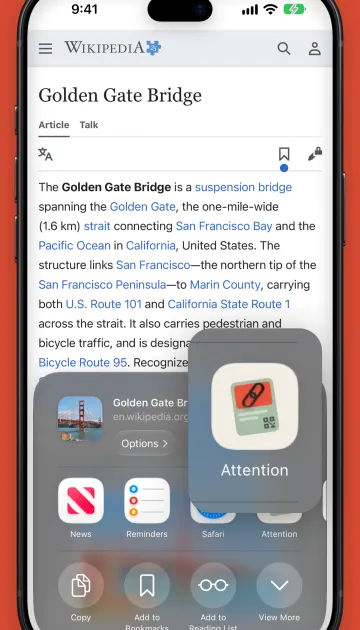
Save from any app
In X, YouTube, Safari or any app, tap Share and pick Attention. Or just paste a link.
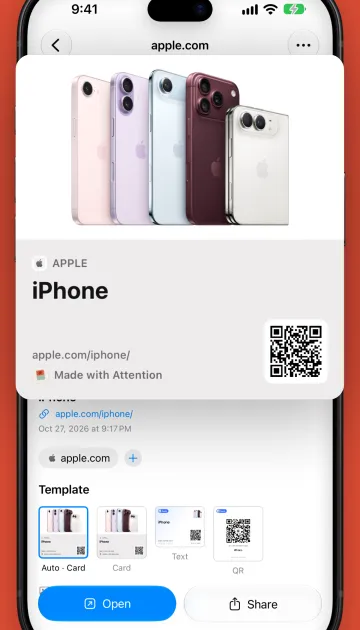
Share it as a card
Choose a card, text or QR template. The link is copied too, so it can go along with the image.
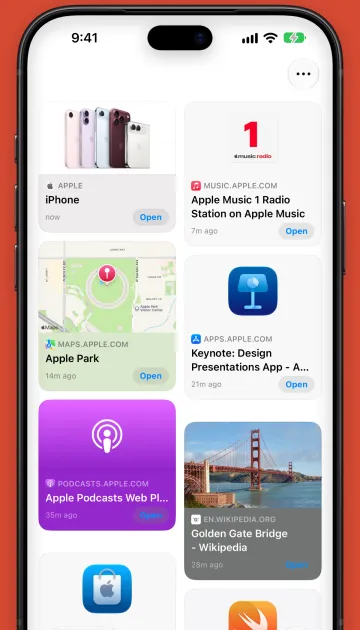
Find it again
Filter by site and tag, and search titles and the text inside your images.
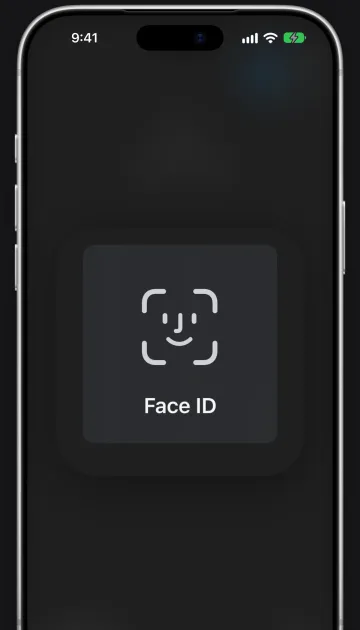
Private when you need it
Lock items behind Face ID. No account and no tracking: your library syncs only through your own iCloud.
Get Attention for iPhone, iPad and Mac.
Free on the App Store. Your links stay on your devices.